
Most people build multiple Tableau projects and still don’t get a callback. They follow tutorials, create dashboards, upload them to a portfolio, and assume that should be enough. It isn’t. The problem is not effort, it’s misunderstanding what projects are meant to do.
Completing a project does not make you job-ready. Most projects only show that you can use Tableau, not that you can think like an analyst. Recruiters are not looking for dashboards. They are looking for people who can understand business performance, identify problems, and explain what should be done next. These are not just tableau project ideas, but real-world tableau use cases designed to build analytical thinking.
Businesses don’t hire Tableau analysts for the sake of visualization. They hire to improve revenue, reduce inefficiencies, and make better decisions. That requires more than charts. It requires the ability to work with KPIs, interpret patterns, question results, and connect insights to real outcomes. This is the actual purpose of projects — to shape your thinking, not just your portfolio.
This blog focuses on five Tableau projects built around that idea, where the goal is not to create more dashboards, but to build the ability to turn data into decisions.
Top Tableau Projects for Beginners (Real-World Tableau Analytics Projects for Practice)
1. Sales Performance Analysis
This is one of the most common tableau projects for practice, and almost every beginner builds some version of sales dashboard. Which means doing it alone adds no real value to your portfolio.
The problem is not the project itself. It’s how it’s usually done.
Most versions stop at showing total revenue, a few charts, and basic filters. That does not prove anything. In an interview, this kind of project fails because it shows tool usage, not analytical thinking.
To make this project meaningful, the focus needs to shift from reporting numbers to understanding performance.
Instead of just showing revenue, you need to analyze how it behaves. Look at how sales change over time, where growth is consistent or unstable, and how different regions or products contribute to overall performance. Compare actual performance against targets, identify where gaps exist, and understand what is driving those gaps.
The value of this project comes from answering questions like:
- Where are we missing targets and why?
- Which regions or products are driving most of the revenue?
- Is growth stable, seasonal, or declining?
- Are there segments consistently underperforming?
This is what turns a basic dashboard into something useful. This is one of the most important Tableau use cases because it reflects how companies track revenue and performance.
A well-executed sales analysis shows that you can move beyond visuals and actually interpret performance. It reflects how organizations track revenue, evaluate growth, and make decisions around expansion, prioritization, and strategy.
If this project is done at a surface level, it gets ignored. When done correctly, this becomes a strong example of data analysis with Tableau in a real business context.
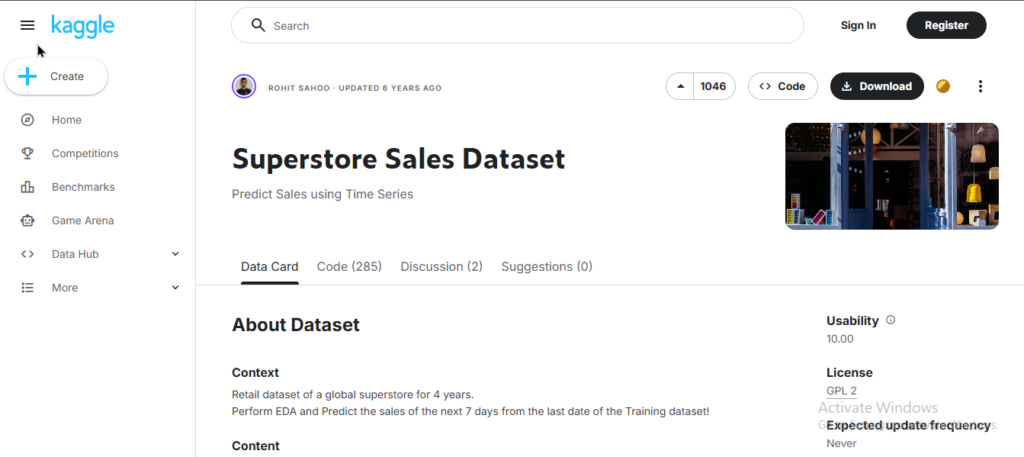
Kaggle Dataset Link: https://www.kaggle.com/datasets/vivek468/superstore-dataset-final
Alternate Dataset Link: https://www.kaggle.com/datasets/laibaanwer/superstore-sales-dataset
2. Funnel Drop-Off & Conversion Leakage Analysis
This is where most beginners get uncomfortable, and that’s exactly why it matters.
Unlike sales dashboards, this is not about tracking totals. It is about understanding user behavior across a journey and identifying where things are breaking. Most people build funnels that show how many users move from one stage to another. That is not enough. Numbers alone do not explain anything unless you analyze where and why users are dropping off. This type of analysis is often seen in advanced tableau analytics projects focused on product and growth metrics.
To make this project meaningful, the focus needs to be on conversion leakage.
You need to break the journey into stages and study how users move through each step. Instead of just showing conversion rates, look for friction points. Identify stages where drop-offs are unusually high, compare performance across segments, and analyze whether certain user groups behave differently. The goal is to understand what is causing the loss, not just measure it.
The value of this project comes from answering questions like:
- At which stage are we losing the most users?
- Is the drop-off consistent or happening at specific steps?
- Do different user segments behave differently in the funnel?
- What could be the possible reasons behind the leakage?
This is what turns a funnel from a visualization into an analysis.
A strong funnel project shows that you can think in terms of user journeys, identify weak points in a process, and suggest areas for improvement. This is exactly how product and growth teams use data in real scenarios.
If this project only shows stage-wise percentages, it adds no value. If it explains where users drop off and what might be causing it, it becomes a high-impact piece in your portfolio. It is also a strong example of interactive Tableau dashboards where users can explore different stages and segments.
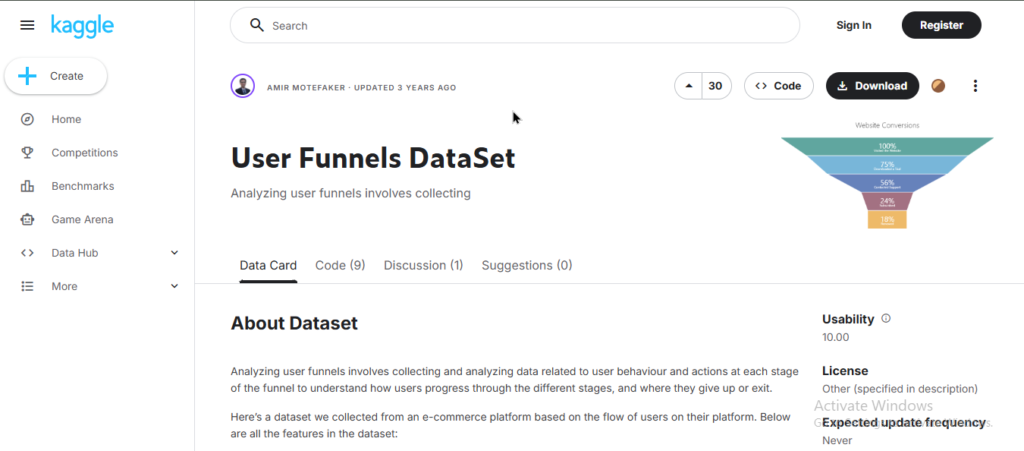
Kaggle Dataset Link: https://www.kaggle.com/datasets/amirmotefaker/user-funnels-dataset
Alternate Dataset Link: https://www.kaggle.com/code/aerodinamicc/funnel-analysis-and-conversion-rates
Certificate in
Data Analytics with AI Foundations
Build job-ready data analytics skills to turn raw data into actionable insights. Learn to identify patterns, work with KPIs, and support real business decisions using industry-relevant tools.
IN PARTNERSHIP WITH IBM
Duration – 4 Months
Skills You’ll Build:
- Excel, SQL, Data Cleaning
- Data Analysis & Tableau
- Power BI & KPI Tracking
- Dashboarding & Business Insights
Other Courses:
3. Cohort Retention & Lifecycle Analysis
This is one of the most ignored and misunderstood projects, and that’s exactly why it carries weight.
Most beginners look at customer data as a single group. They track total users, total sales, or overall trends. That approach hides what is actually happening underneath. Businesses don’t think in totals. They want to understand how different groups of users behave over time.
This is where cohort analysis comes in.
Instead of looking at all users together, you group them based on when they started and track how they behave over time. This allows you to see retention patterns, drop-offs, and long-term engagement. It shifts the focus from “how many users we have” to “how well we are keeping them.” Cohort analysis is commonly used in advanced tableau projects to evaluate retention and lifecycle performance.
To make this project meaningful, you need to focus on retention behavior across cohorts.
Track how many users return after their first interaction, how engagement changes over time, and whether newer cohorts behave differently compared to older ones. Look for patterns where retention drops sharply or remains stable, and identify what that indicates about the product or service.
The value of this project comes from answering questions like:
- How many users return after their first interaction?
- Does retention improve or decline across different cohorts?
- At what point do most users stop engaging?
- Are newer users behaving better or worse than earlier ones?
This is what turns raw data into lifecycle understanding.
A well-executed cohort analysis shows that you can work with time-based behavior, understand retention patterns, and evaluate long-term performance. This is how businesses measure growth quality, not just growth volume.
If this project only shows a retention table without explanation, it will be ignored. If it clearly explains how user behavior changes over time and what it means, it becomes one of the strongest signals of analytical thinking. This is one of the strongest tableau storytelling examples, where patterns evolve over time.
Kaggle Dataset Link: https://www.kaggle.com/code/sergeistanislavovich/e-commerce-deep-dive-full-eda-metrics-testing
Alternate Dataset Link: https://www.kaggle.com/code/icarambadiana/cohort-analysis-of-marketing-expenditure-in-yandex
4. Pricing Sensitivity & Discount Impact Analysis
Most beginners never touch pricing, and that’s exactly why this project stands out.
Pricing is one of the most direct levers a business has. It affects demand, revenue, and profit at the same time. But most projects completely ignore this and focus only on sales volume. That creates a partial view of performance. Pricing analysis is a less common but powerful tableau use case that directly impacts business strategy.
To make this project meaningful, you need to move beyond revenue and look at the relationship between price, demand, and profitability.
Analyze how changes in price or discounts impact sales volume. Identify whether discounts are actually driving meaningful growth or just increasing low-value transactions. Compare how different products or categories respond to pricing changes and evaluate whether higher sales are translating into better profit or simply eroding margins.
The goal is not to show pricing data. The goal is to understand its impact.
The value of this project comes from answering questions like:
- How does demand change when price or discounts change?
- Are discounts increasing revenue or just increasing volume?
- Which products are sensitive to price changes and which are not?
- Is higher sales volume actually improving profitability?
This is what turns pricing data into strategic insight.
A strong pricing analysis shows that you understand trade-offs. It reflects the ability to think beyond surface-level performance and evaluate how decisions affect business outcomes. This is exactly how companies approach pricing strategies in real scenarios.
If this project only shows average price or discount percentages, it adds no value. If it explains how pricing decisions impact demand and profit, it becomes a powerful differentiator in your portfolio. This project can be structured as a tableau project report explaining pricing decisions and outcomes.
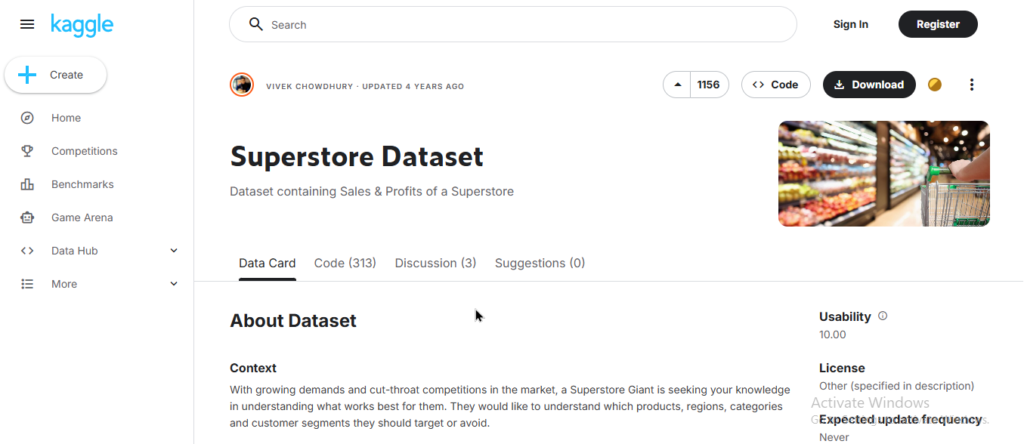
Kaggle Dataset Link: https://www.kaggle.com/datasets/rohitsahoo/sales-forecasting
Alternate Dataset Link: https://www.kaggle.com/datasets/aliredaelblgihy/superstore-sales-analysis
5. Anomaly Detection & Trend Break Analysis
Most dashboards focus on showing trends. Very few focus on identifying when something is wrong.
That’s the gap this project addresses.
In real business scenarios, tracking performance is not enough. Teams constantly monitor data to detect sudden spikes, drops, or unusual patterns that require immediate attention. These anomalies often signal deeper issues such as operational failures, demand shocks, data errors, or unexpected opportunities. This type of analysis is widely used in tableau KPIs dashboards for monitoring business performance.
To make this project meaningful, the focus needs to be on identifying deviations from normal behavior.
Start by understanding what “normal” looks like over time. Then look for points where the pattern breaks. Analyze sudden increases or declines in key metrics, compare them against historical trends, and examine whether these changes are isolated or recurring. The goal is not just to highlight anomalies, but to investigate their possible causes and implications.
The value of this project comes from answering questions like:
- Where do we see sudden spikes or drops in performance?
- Are these changes one-time events or recurring patterns?
- Which metrics are most unstable over time?
- What could be the possible reasons behind these deviations?
This is what turns trend analysis into problem detection.
A well-executed anomaly analysis shows that you can move beyond reporting and start thinking in terms of monitoring and investigation. It reflects the ability to identify risks, question unexpected patterns, and support faster decision-making.
If this project only highlights unusual points visually, it adds little value. If it explains what changed, why it matters, and what could be done next, it becomes a strong signal of analytical depth. It strengthens your portfolio by showcasing data analysis with Tableau beyond standard reporting.
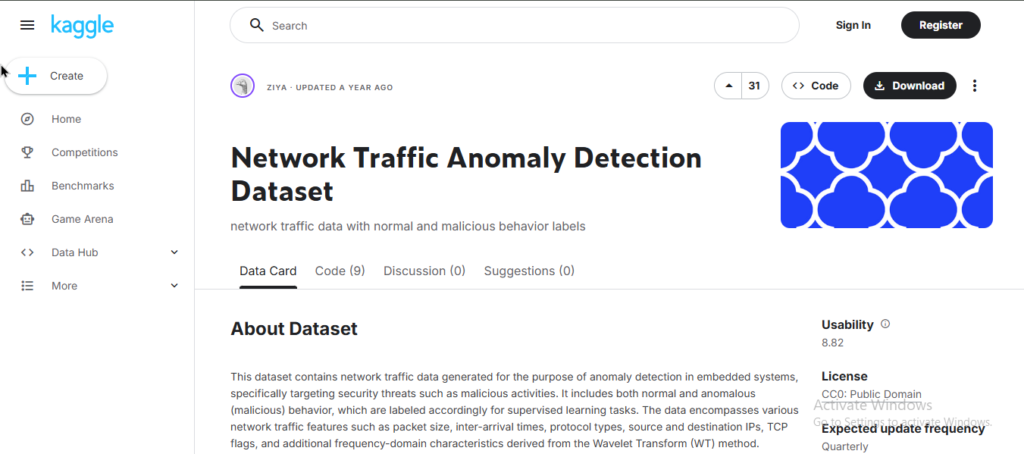
Kaggle Dataset Link: https://www.kaggle.com/datasets/ziya07/network-traffic-anomaly-detection-dataset
Alternate Dataset Link: https://www.kaggle.com/datasets/alitaqishah/blood-cell-anomaly-detection-2025
How to Present Tableau Projects in Your Portfolio for Job Applications
Building a project is only half the work. Most candidates lose opportunities because they don’t know how to present it. Strong tableau project documentation is what separates a basic dashboard from a portfolio-ready case study.
A common mistake is uploading dashboards with no context. Recruiters don’t have time to figure out what your project does. If they cannot understand it quickly, they move on.
A Tableau project should not be presented as a dashboard. It should be presented as a case study.
Every project in your portfolio needs to clearly answer four things:
1. What problem were you trying to solve
Start with a simple, real-world problem. Not “Sales Dashboard,” but something like understanding revenue trends, identifying drop-offs in a funnel, or analyzing pricing impact. This shows that your work is grounded in a purpose.
2. What you tracked (KPIs)
Mention the key metrics you focused on and why they matter. This reflects whether you understand what the business actually cares about, not just what is available in the dataset. This is how professional tableau KPIs dashboards are structured in real organizations.
3. What you found (insights)
This is the most important part. Highlight a few meaningful observations from your analysis. Avoid obvious statements. Focus on findings that explain what is happening in the data.
4. What it means (business impact)
Explain how those insights can be used. This could relate to improving performance, reducing inefficiencies, optimizing pricing, or making better decisions. This is what connects your work to real business outcomes.
Keep everything simple and direct. Avoid long explanations or unnecessary detail. The goal is clarity.
If your project is just a dashboard screenshot, it gets ignored.
If it clearly shows problem, analysis, insight, and impact, it gets attention.
Common Mistakes Beginners Make While Building Tableau Projects
Most beginners don’t fail because they lack effort. They fail because they focus on the wrong things. These mistakes show up repeatedly in beginner projects on Tableau, and they are exactly why many projects get ignored, and portfolio impact reduces.
Overdesigning the Dashboard
Adding too many colors, charts, and design elements makes the dashboard harder to understand. Visual complexity does not add value, whereas clarity does.
Adding Charts Without Meaning
Many projects include multiple visuals but no explanation. Charts alone do not communicate insights. If you cannot explain what the data shows and why it matters, the visuals become noise.
Ignoring Business Context
Data represents a business process. When projects fail to connect metrics to outcomes like revenue, cost, efficiency, or growth, the analysis feels disconnected from real-world use.
Copying Tutorials Without Thinking
Following tutorials helps you learn the tool, but repeating the same steps does not demonstrate analytical ability. Projects that look like guided exercises are easy to spot and carry little weight in interviews.
Stopping at the Dashboard
Building the dashboard is not the goal. Extracting insights and explaining decisions is. Projects that end at visualization without interpretation remain incomplete.
Focusing on Tool Instead of Thinking
Many beginners try to show everything they know about Tableau features. But recruiters are not evaluating features. They are evaluating how you think, how you interpret data, and how you connect it to decisions.
What Skills You Actually Build from These Tableau Projects
Completing these projects is not about learning more Tableau features. It is about developing the way you think while working with data.
KPI Thinking
You learn how to identify which metrics actually matter. Instead of tracking everything available, you start focusing on indicators that reflect performance, efficiency, and growth.
Analytical Reasoning
You move beyond showing numbers to understanding what they mean. This includes identifying patterns, spotting inconsistencies, and asking the right questions about the data.
Business Understanding
You begin to connect data with real-world outcomes. Metrics are no longer isolated. They link to revenue, cost, user behavior, and operational performance.
Problem-Solving Approach
Each project pushes you to define a problem, analyze it, and arrive at conclusions. This builds the ability to handle ambiguity, which is a key part of real analyst roles.
Data Storytelling
You learn how to structure your findings in a way that others can understand. Instead of presenting disconnected visuals, you start communicating insights with clarity and purpose.
Decision-Oriented Thinking
You develop the ability to move from insight to action. The focus shifts from “what happened” to “what should be done next,” which is what businesses actually care about.
Conclusion
You don’t need more projects. You need better ones.
Most beginners keep building dashboards, hoping quantity will compensate for lack of depth. It doesn’t. In interviews, one strong project that you can clearly explain is far more valuable than multiple shallow ones.
These five projects are enough because they reflect how businesses actually use data across performance, user behavior, pricing decisions, and problem detection. If you work through them properly, focusing on understanding the problem, choosing the right metrics, and extracting meaningful insights, you will build a portfolio that holds up in real conversations.
The difference is not in what you build, but in how well you understand it. If you can explain what’s happening in the data, why it’s happening, and what should be done next, you’re no longer just using Tableau. You’re thinking like an analyst.
And that’s exactly where most learners get stuck. They know the tool, but they don’t know how to apply it in real scenarios, structure their thinking, or build projects that actually reflect industry expectations.
If you want structured guidance, real-world datasets, and feedback on how to build portfolio-ready projects, the Data Analytics Course with AI by Win In Life Academy is designed around exactly that. Because at the end of the day, getting hired is not about knowing Tableau. It’s about knowing how to use it to solve problems that matter.