
The best Power BI projects to get hired are those that solve real business problems, such as sales performance analysis, customer churn tracking, financial analysis, supply chain optimization, and marketing ROI evaluation. These projects demonstrate your ability to work with KPIs, generate insights, and connect data analysis to real-world business decisions.
Most beginners search for “power bi projects for practice” and end up building dashboards that look fine but don’t hold up in interviews. The problem is not the tool. It’s the way projects are chosen and executed.
Recruiters are not evaluating how many reports you’ve built. They are evaluating whether you understand business problems, track the right KPIs, and can explain what your analysis means in a real-world context.
This blog focuses on five high-impact Power BI projects that directly map to how companies use data across sales, finance, marketing, operations, and customer analytics. These are not random ideas or tutorial copies. They are focused power bi projects for practice that align with real business use cases. Each project is designed to help you build practical skills, understand industry use cases, and create portfolio work that you can confidently talk about in interviews. These are closer to Power BI real time projects, reflecting how data is used in actual business scenarios.
If your goal is to move beyond basic dashboards and typical power bi practice projects, and build projects that actually strengthen your chances of getting hired, these are the ones worth your time.
1. Sales Performance Dashboard
This is the most overused Power BI project on the internet. Almost every beginner builds some version of a sales dashboard, which means doing it alone does not add any real value to your portfolio.
The problem is not the project itself. It’s how it’s usually done. Because this is one of the most common power bi practice projects, but rarely done with depth.
Most versions stop at showing total revenue, a few charts, and basic filters. That doesn’t prove anything. In an interview, this kind of project fails because it shows tool usage, not analytical thinking.
To make this project actually useful, you need to approach it differently.
Focus on how revenue behaves, not just what it is. Analyze trends over time, compare target vs actual performance, and identify where growth is slowing or inconsistent. Break performance down by region, product, or category to understand contribution and imbalance.
The value comes from answering questions like:
- Where are we missing targets and why?
- Which segments are driving most of the revenue?
- Is growth stable or declining over time?
This is what turns a basic dashboard into something meaningful.
This project still matters because it reflects how organizations track performance. But it only becomes portfolio-worthy when you move beyond visuals and show that you can interpret what the numbers are saying.
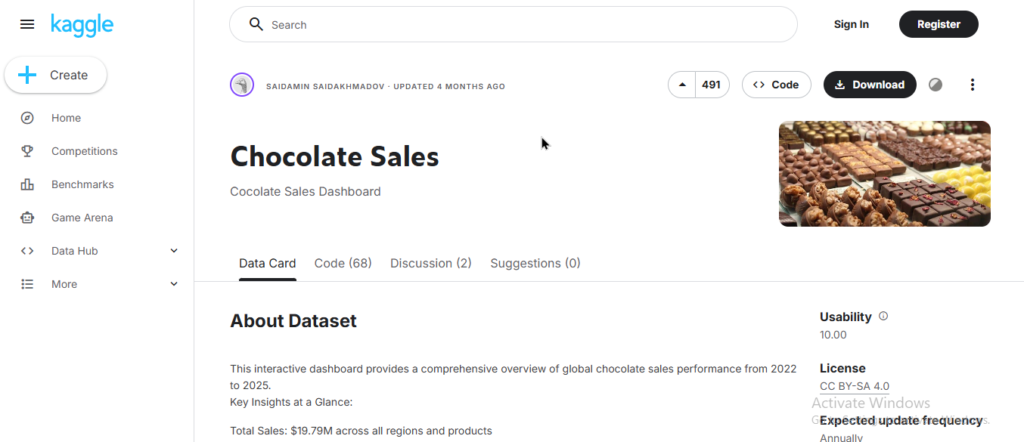
Kaggle Dataset Link: https://www.kaggle.com/datasets/saidaminsaidaxmadov/chocolate-sales
Alternate Dataset Link: https://www.kaggle.com/datasets/reignrichard/coffee-store-sales
2. Customer Churn & Retention
This is where most beginners struggle because it forces you to move beyond reporting into understanding behavior.
Unlike sales data, where you track what already happened, here you analyze why customers stop engaging or purchasing. That shift from “what” to “why” is what separates a basic dashboard from actual analysis.
Most beginner versions of this project just show retention rates or customer counts over time. That’s not enough. Those numbers don’t explain anything unless you break them down further.
To make this project valuable, you need to look at patterns. Segment customers based on behavior, identify repeat vs one-time users, and track how engagement changes over time. Start asking questions like:
- Which group of customers is most likely to churn?
- At what stage are we losing them?
- Are repeat customers actually increasing or just stable?
This project pushes you to think in terms of cohorts, patterns, and behavior instead of isolated metrics.
It stands out in interviews because it shows you can work with messy, real-world problems. Businesses don’t just want to know how many customers they have. They want to know why they are losing them and what can be done about it.
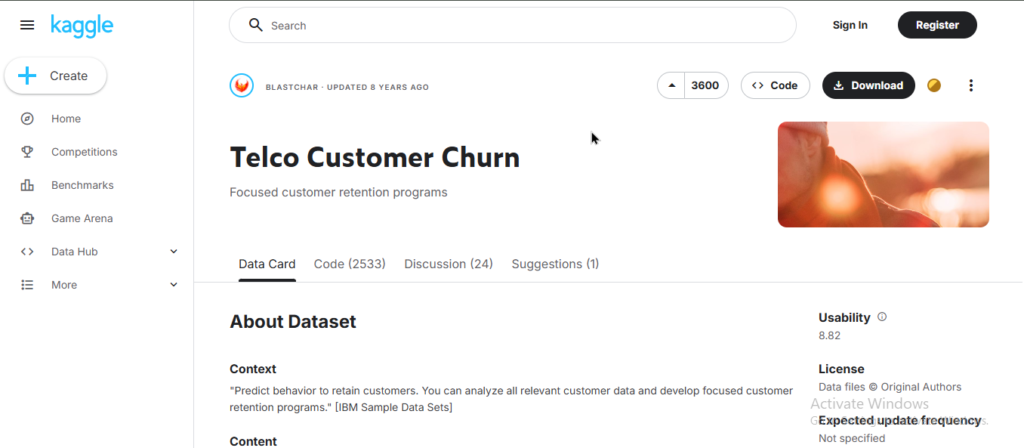
Kaggle Dataset Link: https://www.kaggle.com/datasets/blastchar/telco-customer-churn
Alternate Dataset Link: https://www.kaggle.com/datasets/radheshyamkollipara/bank-customer-churn
3. Financial Performance Dashboard
This is where things start getting uncomfortable, and that’s exactly why it matters.
Most beginners avoid financial data because it forces you to think beyond totals and into how a business actually makes money. Revenue alone doesn’t tell you anything unless you understand costs, margins, and how performance compares against expectations.
Typical versions of this project just show profit and expenses side by side. That’s surface-level and adds no real value.
To make this project meaningful, you need to focus on relationships. How does cost impact profitability over time? Where are margins shrinking? How far off are we from planned budgets?
You start working with concepts like variance, margin pressure, and cost distribution. This is where your thinking becomes more structured and less visual-driven.
The real value comes from identifying imbalance. For example, revenue may be growing, but profit margins could be declining due to rising costs. Without analyzing both together, you miss the actual problem.
This project signals maturity in your portfolio because it shows you can handle data that directly affects business decisions. Finance is not optional in real-world analytics. It’s central.
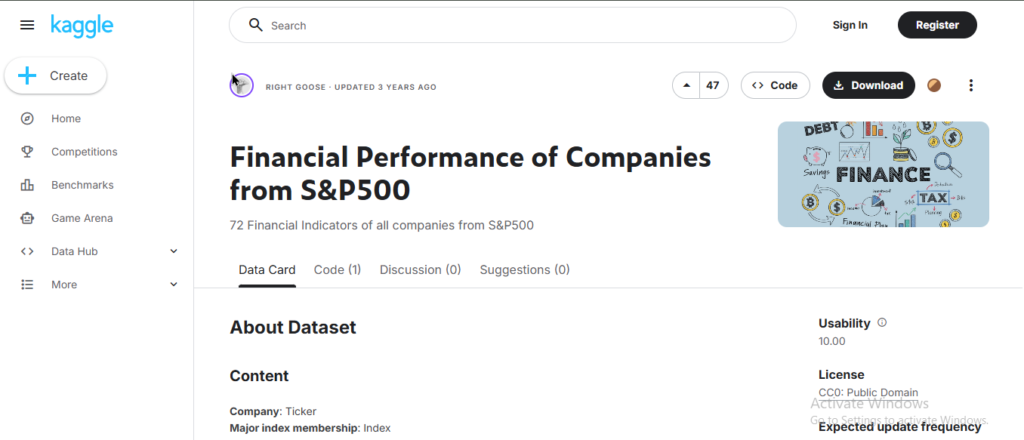
Kaggle Dataset: https://www.kaggle.com/datasets/ilyaryabov/financial-performance-of-companies-from-sp500
Alternate Dataset: https://www.kaggle.com/datasets/sshriya08/financial-performance-risk-and-valuation-reliance
4. Operations / Supply Chain Dashboard
This is one of the least attempted projects, which is exactly why it’s valuable.
Most beginners stay in revenue-focused dashboards because they’re easier to understand. Operations data is different. It’s not about how much you earn, it’s about how efficiently you run.
Basic versions of this project just show inventory levels or delivery counts. That’s not useful. Those are just numbers without context.
To make this project meaningful, you need to connect flow and performance. Track how inventory moves, how long deliveries take, and where delays or bottlenecks are happening. Look at patterns across time and suppliers instead of isolated metrics.
Start asking questions like:
- Where are delays consistently happening?
- Is inventory sitting too long or moving too fast?
- Which suppliers or locations are affecting efficiency?
This forces you to think in terms of systems, not just outputs.
The value of this project comes from identifying inefficiencies that directly impact cost and service quality. In real businesses, small operational issues compound into major losses.
Very few beginners build this, which makes it a strong differentiator. It shows you understand that analytics is not just about revenue, but about how processes perform under the hood.
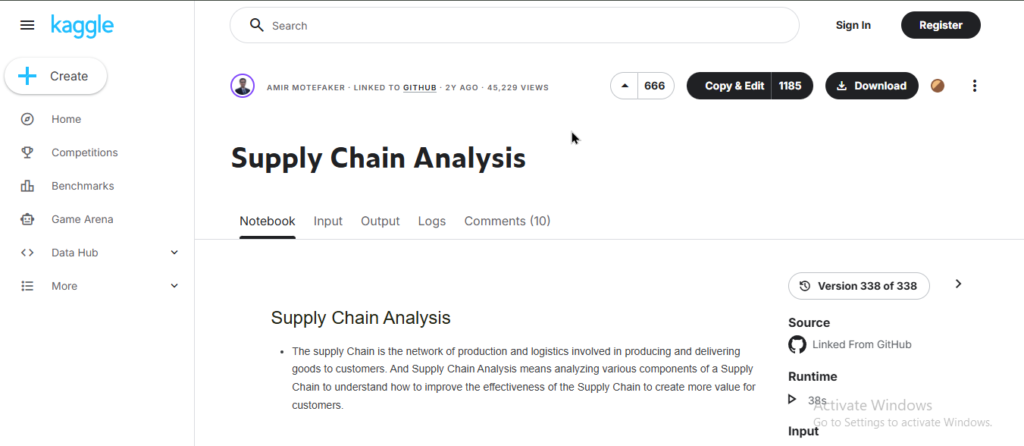
Kaggle Dataset Link: https://www.kaggle.com/code/amirmotefaker/supply-chain-analysis
Alternate Dataset Link: https://www.kaggle.com/datasets/yogape/logistics-operations-database
5. Marketing Campaign & ROI Dashboard
This is where data connects directly to business decisions. Among all power bi real time projects, this is closest to decision-making use cases.
Marketing is not about activity, it’s about outcomes. Companies spend money across channels, campaigns, and platforms, but the real question is always the same: what is actually generating returns?
Most beginner versions of this project just show clicks, impressions, or leads. That’s meaningless without context. High activity does not equal performance.
To make this project valuable, you need to connect spend to results. Track how campaigns perform across the funnel, from leads to conversions, and evaluate how much it costs to acquire those results. Compare channels, identify drop-offs, and understand where money is being wasted.
Start asking questions like:
- Which campaigns are actually driving conversions?
- Where are we losing users in the funnel?
- Is higher spend leading to better returns or just more noise?
This project forces you to think in terms of efficiency and impact, not just metrics.
The value comes from showing that you can evaluate performance and support decisions like budget allocation, campaign optimization, and strategy changes. This is exactly how marketing teams operate in real-world scenarios.
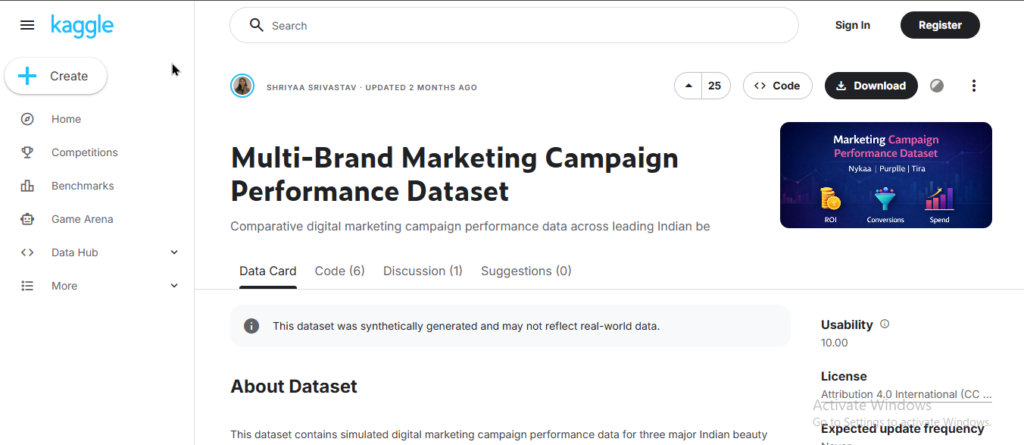
Kaggle Dataset Link: https://www.kaggle.com/datasets/sshriya08/multi-brand-marketing-campaign-performance-dataset
Alternate Dataset Link: https://www.kaggle.com/datasets/nalisha/nykaa-marketing-campaign-performance-dataset
How to Present These Projects in Your Portfolio
Building a project is only half the job. Most power bi reports examples you see online fail here because they lack context.
Most beginners treat their work like sample power bi reports and upload dashboards with no context. Recruiters don’t have time to figure out what your project does. If they don’t understand it in a few seconds, they move on.
Each project in your portfolio should clearly communicate four things:
What problem you solved
Start with a simple, real-world problem. Not “Sales Dashboard,” but something like understanding revenue trends or identifying churn patterns.
What you tracked (KPIs)
Mention the key metrics you focused on and why they matter. This shows you understand what the business actually cares about.
What you found (insights)
This is the most important part. Highlight 2–3 meaningful observations from your analysis. Not obvious points, but insights that explain what’s happening in the data.
What it means (business impact)
Explain how those insights can be used. Better decisions, cost reduction, performance improvement, anything that connects data to action.
Keep it simple and direct. No long explanations, no unnecessary detail.
If your project is just a dashboard screenshot, it gets ignored.
If it clearly shows problem → analysis → insight → impact, it gets attention.
Conclusion
Conclusion — Build Better Projects, Then Go Further
You don’t need more projects. You need better ones.
Most beginners keep building dashboards, hoping quantity will compensate for lack of depth. It doesn’t. In interviews, one strong project that you can clearly explain is far more valuable than multiple shallow ones.
These five projects are enough because they cover how businesses actually operate across performance, customers, finance, operations, and decision-making. If you work through them properly, focusing on understanding the problem, choosing the right metrics, and extracting meaningful insights, you will build a portfolio that holds up in real conversations.
The difference is not in what you build, but in how well you understand it. If you can explain what’s happening in the data, why it’s happening, and what should be done next, you’re no longer just using Power BI. You’re thinking like an analyst.
And that’s exactly where most learners get stuck. They know the tool, but they don’t know how to apply it in real scenarios, structure their thinking, or build projects that actually reflect industry expectations.
If you want structured guidance, real-world datasets, and feedback on how to build portfolio-ready projects, the Data Analytics Course with AI by Win In Life Academy is designed around exactly that.
Instead of generic tutorials, the focus is on building practical skills, working on real business problems, and developing the kind of analytical thinking that interviews actually test.
Because at the end of the day, getting hired is not about knowing Power BI. It’s about knowing how to use it to solve problems that matter.
FAQs
1. What Power BI projects help you get hired?
Projects solving real business problems—sales, churn, finance, operations, and marketing ROI—show analytical thinking and business understanding, not just dashboard creation.
2. How many Power BI projects are enough for a portfolio?
3–5 strong projects are enough if they clearly show problem-solving, KPIs, insights, and business impact. Quality matters more than quantity.
3. Do recruiters check Power BI dashboards or insights?
Recruiters focus on insights, problem understanding, and explanation. Dashboards alone don’t matter unless you can explain what the data means.
4. What makes a Power BI project stand out?
Clear problem statement, relevant KPIs, meaningful insights, and real-world impact. Projects should show decision-making ability, not just visuals.
5. Are beginner Power BI projects enough for interviews?
Basic projects aren’t enough. You need deeper analysis, business context, and the ability to explain trends, patterns, and decisions.
6. Which datasets should I use for Power BI projects?
Use real-world datasets from platforms like Kaggle that reflect business scenarios such as sales, customer behavior, finance, or operations.
7. How do I explain my Power BI project in interviews?
Explain the problem, KPIs tracked, key insights, and business impact. Keep it simple, structured, and focused on decisions.
8. Do I need SQL or Excel along with Power BI?
Yes, basic SQL and Excel skills help in data preparation, cleaning, and analysis, making your projects more practical and job-ready.
9. What skills do Power BI projects actually test?
They test data understanding, KPI selection, analytical thinking, storytelling, and ability to connect data insights to business decisions.
10. Can Power BI alone get me a job?
Power BI helps, but you also need strong fundamentals in data analysis, business thinking, and communication to succeed in interviews.