
These projects also demonstrate applied understanding to recruiters, making them essential for building job-ready AI expertise.
Artificial intelligence becomes truly valuable when theory is applied to real-world problems. While many beginners learn Python libraries and machine learning tools, they often struggle to translate that knowledge into practical solutions. This gap between learning and application is where AI projects for beginners play a crucial role.
In 2026, employers increasingly focus on demonstrable skills rather than course completion. Projects help learners understand how data is structured, how models generate predictions, and how AI systems solve real business and societal problems. More importantly, they provide clear evidence of problem-solving ability and technical competence.
For aspiring AI engineers, hands-on projects showcase analytical thinking, model selection, data interpretation, and the ability to communicate insights effectively. They signal readiness to work on real-world systems, not just theoretical exercises.
In this blog, we will walk through five beginner-friendly Generative AI projects that reflect how LLMs are used in real-world applications. Each project introduces a practical use case and helps you build skills that go beyond simple demos, moving closer to production-ready thinking.
Why Are AI Projects Important for Beginners?
AI concepts become truly clear only when applied to real problems. Working on projects helps beginners move beyond theory and understand how models handle data, make predictions, and solve practical challenges. Exploring different beginner AI project ideas is often the first step in building this understanding.
Projects also demonstrate problem-solving ability — a quality recruiters actively look for. Instead of evaluating certificates alone, hiring teams assess how well candidates can apply concepts to build functional solutions.
For aspiring AI professionals, projects bridge the gap between learning and real-world application, helping transform theoretical knowledge into practical skills that are essential in industry roles.
AI Projects for Beginners
Project 1: AI-Powered Support Ticket Classifier
Approach: Prompt Engineering + LLM-Based Classification
Type: Generative AI (Structured Output)
Difficulty: Beginner
Tools: OpenAI API / Gemini API, Python, Streamlit
Dataset: Customer Support Ticket Dataset — Kaggle
Alternate Dataset: Multilingual Customer Support Tickets — Kaggle
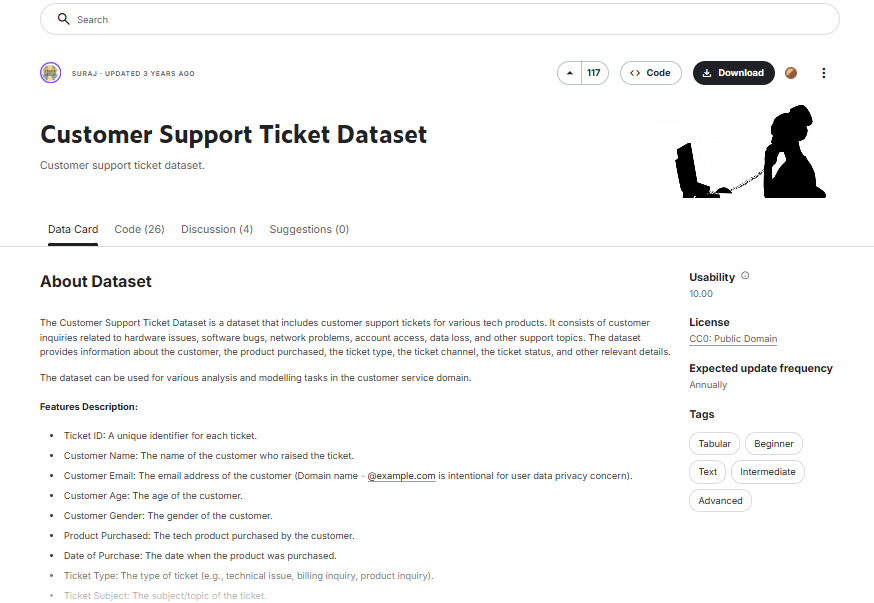
Why This Problem Matters (and What You’re Building)
This project builds a system that automatically reads customer support tickets and classifies them by category and urgency, enabling faster and more accurate routing.
Support teams handle hundreds or even thousands of tickets every day. Each ticket must be read, understood, categorized, and assigned to the right team.
The problem is not just effort. It is delay, cost, and missed priorities.
When this process is manual:
- High-priority issues can be delayed
- Tickets are often routed to the wrong team
- Response times increase
- Customer experience suffers
As ticket volume grows, this becomes a major operational bottleneck.
This project solves that by automating the first step of support workflows.
By generating structured outputs, your system enables instant routing and prioritization at scale.
This demonstrates how LLMs can function as reliable decision-making components inside real business systems, not just text generators.
What Actually Matters (Evaluation and Reality)
This is not a traditional machine learning model, so evaluation looks slightly different.
The biggest mistake beginners make is checking if the output “looks correct.” That is not enough.
What matters is consistency and reliability.
Your model should:
- Always return output in the same structure
- Correctly classify tickets across different phrasing styles
- Handle ambiguous or incomplete inputs without breaking
Focus on:
- Structured Output Accuracy
Does the model consistently return the correct category and urgency in the expected format?
- Prompt Stability
Does your system prompt produce the same format every time, or does it drift into free-form text?
- Edge Case Handling
What happens when the input is unclear, short, or noisy?
- Latency and Cost
Since this uses an API, response time and cost per request matter in real-world usage.
You can also validate performance using a labeled dataset by comparing:
- Predicted category vs actual category
- Agreement rate across samples
The goal is simple: build a system that is reliable enough to be used in a real workflow, not just a demo.
What You Must Be Able to Explain
If you include this project in your portfolio, you should be able to answer:
- Why prompt design is more important than model selection here
- How you ensured consistent structured outputs from the LLM
- What few-shot prompting is and why you used it
- How you handled ambiguous or multi-intent tickets
- Why free-form responses are not suitable for automation workflows
- How you would improve accuracy without retraining a model
- What happens if the model gives an invalid or malformed response
If you cannot explain these clearly, the project will feel shallow in an interview.
Similar Projects Using the Same Approach
- Email Classification System — Automatically categorize incoming emails into support, sales, or spam
- Intent Detection for Chatbots — Identify user intent before generating a response
- Resume Screening Assistant — Classify resumes by role fit and priority
- Feedback Sentiment + Topic Tagging — Tag customer feedback by sentiment and issue type
Project 2: Automated Meeting Notes Summarizer with Action Item Extraction
Approach: Prompt Engineering + Structured Output
Type: Generative AI (Multi-Field Extraction)
Difficulty: Beginner
Tools: OpenAI API / Gemini API, Python, Streamlit or Gradio
Dataset: Meeting Transcripts Dataset — Kaggle
Alternate Dataset: Teams Meeting Transcripts — Kaggle
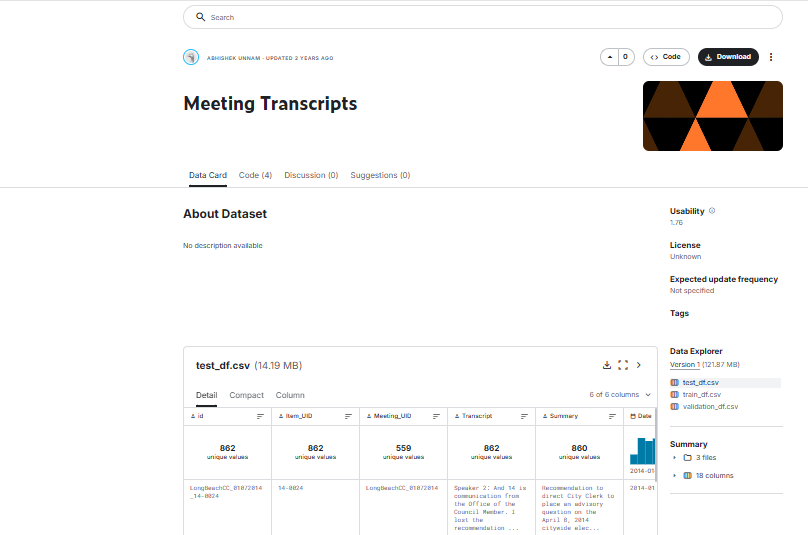
Why This Problem Matters (and What You’re Building)
This project builds a system that converts raw meeting transcripts into structured summaries with key points, decisions, and action items. It is a strong example of how machine learning projects for beginners can solve real-world workflow challenges.
In most teams, meetings generate important discussions, but the outcomes are rarely documented properly.
The problem is not the meeting itself. It is what happens after.
When notes are written manually:
- Important decisions get missed
- Action items are unclear or incomplete
- Ownership is not tracked
- Follow-ups get delayed or forgotten
As meetings increase, this leads to confusion, misalignment, and lost productivity.
This project solves that by automating meeting understanding.
Your system takes a raw transcript and returns structured outputs including:
- Key discussion points
- Decisions made
- Action items with owners and deadlines
This turns unstructured conversations into usable outputs that teams can act on immediately.
It shows how LLMs can extract multiple layers of information from messy input and convert them into structured business data.
What Actually Matters (Evaluation and Reality)
This is not just summarization. It is structured by extraction from long, noisy input.
Focus on:
- Multi-Field Accuracy — are summaries, decisions, and actions correctly extracted?
- Structure Consistency — does the output always follow the same JSON format?
- Handling Long Input — does performance drop with longer transcripts?
- Clarity of Action Items — are tasks specific and usable?
The challenge is not generating text but extracting the right information reliably.
What You Must Be Able to Explain
- How you designed prompts for multi-field outputs
- How you ensured consistent JSON responses
- What prompt chaining is and when to use it
- How you handled long transcripts (chunking or summarization steps)
- Why extracting action items is harder than summarizing text
- What happens if the model misses or hallucinates details
Similar Projects Using the Same Approach
- Interview transcript summarization with key insights
- Sales call analysis (pain points, objections, next steps)
- Lecture notes summarization for students
- Podcast summarization with highlights and takeaways
AI Projects for Intermediate
AI Projects for Advanced Level
Project 5: AI Content Moderation System
Approach: LLM-based Multi-label Classification + Guardrails
Type: Generative AI (Safety + Decision Systems)
Difficulty: Advanced (Stretch)
Tools: OpenAI API, Python, Streamlit, Pandas
Dataset: Jigsaw Toxic Comment Classification — Kaggle
Alternate Dataset: Hate Speech and Offensive Language Dataset — Kaggle
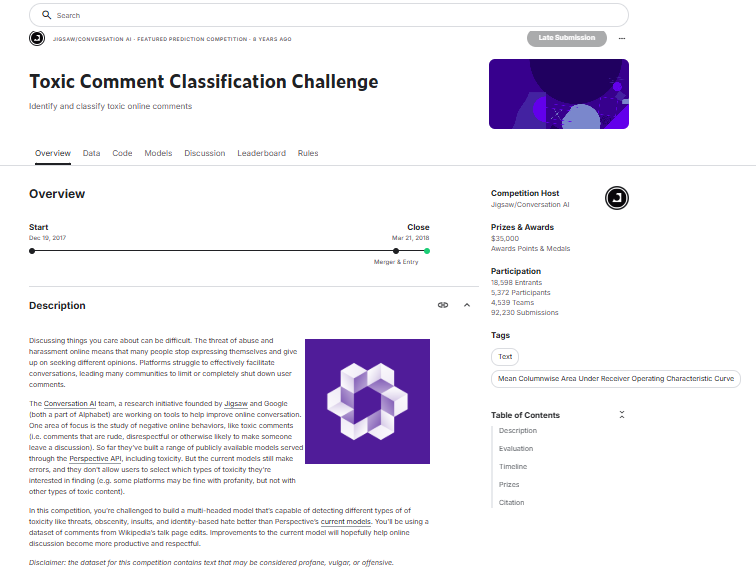
Why This Problem Matters (and Wh
at You’re Building)
This project builds a system that analyzes user-generated content and classifies it across multiple harm categories with confidence-based decisions.
Any platform with user content such as social media, forums, or review systems must detect harmful content at scale.
The problem is not detection. It is reliable judgment.
Manual moderation does not scale. Simple keyword filters fail to capture context, sarcasm, or intent.
When moderation is weak:
- Harmful content goes unchecked
- Platforms risk user safety and trust
- Legal and brand risks increase
When moderation is too strict:
- Legitimate content gets blocked
- User experience suffers
This project solves that by building a balanced moderation system.
Your system classifies content into categories such as:
- Toxic
- Threatening
- Obscene
- Identity-based hate
It also returns confidence scores and applies decision thresholds to determine what should be flagged, allowed, or reviewed.
This demonstrates how LLMs can be used in safety-critical systems where decisions matter.
What Actually Matters (Evaluation and Reality)
This is not just classification. It is decision design.
Focus on:
- Multi-label Accuracy — can the system detect multiple harm types correctly?
- Threshold Calibration — are decisions balanced between over-blocking and under-detection?
- Edge Case Handling — how does the system handle sarcasm or ambiguity?
- Consistency — does the model behave reliably across inputs?
- The goal is not perfection. It is controlled, explainable decision-making.
What You Must Be Able to Explain
To make this one of the AI projects to get a job, you should be able to clearly explain:
- Why moderation is a multi-label problem
- How you designed prompts for nuanced classification
- How you set and tuned confidence thresholds
- How you handled uncertain or borderline cases
- What guardrails are and why they matter
- What happens when the model makes a wrong decision
Similar Projects Using the Same Approach
- Spam and abuse detection systems
- Review filtering for e-commerce platforms
- Comment moderation for community apps
- AI safety layer for chatbots
Advanced Diploma in AI & ML
Build job-ready skills in Python, data analytics, machine learning, and model evaluation. Learn how AI systems work, build predictive models, and deploy them for real-world applications.
In Collaboration with IBM
Duration: 3 Months
View CourseSkills You’ll Build
- Python Programming
- Data Analytics
- Supervised & Unsupervised Learning
- NumPy & Pandas
- Deep Learning
- Model Evaluation & Optimization
- Data Visualization
- Capstone Project
Other Courses
- GenAI Production Bootcamp
- PG Diploma in Business Analytics – NextGen AI
How to Choose the Right AI Project as a Beginner
Start with AI projects for beginners that use clean, structured datasets so you can focus on understanding patterns instead of struggling with messy data. Early on, avoid jumping straight into complex deep learning builds — they often hide the fundamentals you actually need to learn.
Pick projects that match your current skill level and help you understand the full workflow, from data preparation to evaluation. As a beginner, your goal isn’t to build the most advanced model, but to understand how an AI solution is designed, built, and improved.
How to Present AI Projects in Your Portfolio for Job Applications
When preparing your portfolio for job applications, focus on clarity and impact rather than volume. Instead of listing multiple projects, highlight a few strong ones that clearly demonstrate your problem-solving approach and technical depth.
Organize your portfolio so reviewers can quickly understand what you built and why it matters. Use short summaries, visual outputs, and key insights to make your work easy to scan. Recruiters often spend only a few minutes reviewing a portfolio, so clarity and structure are critical.
Show progression in your work — from basic models to more applied or business-focused solutions — to demonstrate learning growth. This helps employers see your ability to evolve from understanding concepts to solving real-world problems.
Finally, ensure your projects are accessible and professional. Clean repositories, clear documentation, and concise explanations make it easy for hiring managers to evaluate your skills without needing to run your code.
Common Mistakes Beginners Make While Building AI Projects
One of the most common mistakes beginners make is copying notebooks or tutorials without fully understanding the workflow. While this may produce results, it does not build the problem-solving skills needed for real-world applications.
Another frequent issue is focusing only on accuracy scores. A model with high accuracy does not always solve the problem effectively, especially when data is imbalanced or real-world impact depends on other metrics.
Many beginners also underestimate the importance of data preprocessing. Cleaning data, handling missing values, and preparing features often influence model performance more than the algorithm itself.
Finally, using complex models too early can slow learning. Advanced architectures may improve performance slightly, but beginners benefit more from understanding fundamentals and building clear, interpretable solutions.
Conclusion
Building AI projects for beginners transforms learning into capability. Instead of passively consuming concepts, project-based work helps you think through problems, make decisions, and understand how AI solutions function in real scenarios.
What matters is not the number of projects you complete, but the depth of understanding you gain from each one. Taking the time to explore data, refine your approach, and interpret results builds the practical confidence employers look for.
AI learning is a progressive journey. As you move from foundational projects to more applied solutions, you strengthen both technical expertise and problem-solving maturity — the qualities that make you job-ready.
If you’re looking to accelerate this journey with structured guidance and industry-relevant learning, Win in Life Academy’s Advanced Diploma in AI ML provides hands-on training, mentorship, and real-world project experience to help you build career-ready skills.